Click the Alerts tab, if it is not already displayed.
Under Special Notification Subscriptions, click the edit icon ( ) next to the alert you want to unsubscribe from.
The Special Notification Subscription pop-up window opens.
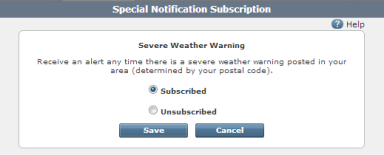
You can unsubscribe from any Special Notification Subscription alert to stop receiving that type of special informational alerts from your interactive service provider.
To unsubscribe from a special notification subscription alert:
Click the Alerts tab, if it is not already displayed.
Under Special Notification Subscriptions, click the edit icon () next to the alert you want to unsubscribe from.
The Special Notification Subscription pop-up window opens.